
The Invoice Upload File: What a Claims Workflow Needs, Field by Field
A practical reference for the invoice file behind every scheme claim — required fields, formats, date and number conventions, and the mistakes that break uploads.
In short
A claims workflow needs each invoice as a row with a consistent set of fields — document number and date, party with GSTIN, item code, quantity, rate, taxable value, tax and document type. Most upload failures come not from the file format but from inconsistent conventions between one month's file and the next.
A claims workflow needs each invoice as a row with a consistent set of fields — document number and date, party with GSTIN, item code, quantity, rate, taxable value, tax and document type. Most upload failures come not from the file format but from inconsistent conventions between one month's file and the next.
The field reference
Requirements vary by scheme type — a quantity-based scheme needs reliable units where a value-based one does not — so treat "essential" below as the common core rather than a universal rule.
| Field | Why the claim needs it | Common mistake |
|---|---|---|
| Document number (essential) | Identifies the transaction uniquely; underpins duplicate detection | Reusing numbers across series or years without a prefix |
| Document date (essential) | Time-boxes the invoice into a scheme period | Mixed date formats in one file; text dates that don't sort |
| Document type (essential) | Separates sales, purchase and credit notes | Relying on negative values instead of a type column |
| Party name (essential) | Human-readable identification | Typed differently each month, so the party can't be matched |
| Party GSTIN (essential) | The unique, verifiable party anchor | Blank for smaller parties; branch GSTIN used inconsistently |
| Item / SKU code (essential) | Applies the scheme's product scope | Free-text description used instead of a code |
| Item description (optional) | Human readability during review | Treated as the identifier rather than a label |
| Batch (where relevant) | Required for expiry, breakage and damage claims | Omitted entirely in pharma and agri files |
| Quantity (essential) | Drives quantity-based schemes such as QPS | Cases and pieces mixed in one column |
| Unit of measure (essential with quantity) | Makes quantity comparable across rows | Absent, so the quantity is ambiguous |
| Rate (essential) | Supports rate-difference and price-protection claims | Inclusive of tax in some rows, exclusive in others |
| Taxable value (essential) | The base for value-based schemes | Rounded differently from the source system |
| Tax rate (essential) | Needed when settlement runs through a credit note | Blended rate shown instead of the line rate |
| Tax amount (essential) | Reconciles the line to the invoice total | Doesn't foot to the invoice because of rounding |
| Total value (optional) | Cross-check against the source | Used as the claim base instead of taxable value |
| Period reference (recommended) | States which period the file covers | Left implicit, so gaps and overlaps go unnoticed |
CSV or Excel — does it matter?
Less than people expect. Both work; the structure is what decides whether a file loads.
The rules are the same either way: one header row, one invoice line per row, no merged cells, no subtotal or total rows inside the data, and the same column order every period. A totals row sitting at the bottom of the data is a particularly common cause of a file loading "successfully" with one nonsense line that then distorts a claim.
CSV avoids a few Excel-specific surprises — long document numbers reformatted into scientific notation, leading zeros stripped from codes, dates silently re-interpreted. A carefully built Excel file uploads just as well. Pick one and keep to it.
Conventions that break reconciliation
These are the failures worth designing against, because each one produces a wrong answer rather than an obvious error:
Date formats. DD/MM/YYYY in one month and MM/DD/YYYY the next means invoices land in the wrong scheme period — and every date below the 13th is silently plausible in both readings, so nothing looks broken.
Numbers stored as text. Values that don't sum, quantities that don't compare, and slabs applied against a total that is quietly wrong.
Trailing spaces and inconsistent party names. "Sharma Traders", "Sharma Traders " and "Sharma Traders" are three parties to a matching engine and one party to you. This is what GSTIN as the anchor solves.
Item descriptions instead of codes. Product scope cannot be applied reliably against free text, so in-scope SKUs get missed and out-of-scope ones get counted.
Negative values for credit notes, with no document-type column. Returns either don't net off the achievement or net off twice — the arithmetic behind clawbacks that never happen.
Rounding differences. Line values rounded in the export but not in the source, so the file doesn't tie back and a reviewer cannot tell whether a discrepancy is a rounding artefact or a real error.
Unit of measure and quantity schemes
Quantity-based schemes are the least forgiving of loose data. A scheme that pays on cases cannot be computed from a file that reports some lines in cases, some in pieces and some in kilograms, with no unit column to distinguish them — and the failure is silent, because every row still contains a plausible number.
Two rules make this safe. Always carry a unit of measure alongside quantity, and agree a conversion basis with the counterparty before the scheme runs, not when the claim is disputed. Where a quantity purchase scheme counts units, the unit definition is part of the scheme's terms, not a data detail.
A pre-upload checklist
- Same columns as last month, in the same order, with the same headers.
- One date format throughout, and it matches what you used last period.
- GSTIN present for every party row.
- Item codes present — descriptions may accompany them but must not replace them.
- No totals or subtotal rows anywhere inside the data.
- Document type column populated, with credit notes typed rather than merely negative.
- Period boundary correct — the file covers a complete period, with no gap from the previous file and no overlap.
- Row count and value total noted before sending, so the receiving side can confirm nothing was truncated.
What happens after upload
A good workflow does three things with the file, in order: validates it structurally (are the required fields present, do the types parse), matches it against the scheme's terms and the party and product masters, and surfaces exceptions rather than failing the whole file. That last point matters — a file of 12,000 lines with 40 problem rows should load 11,960 and hand you the 40, not reject everything.
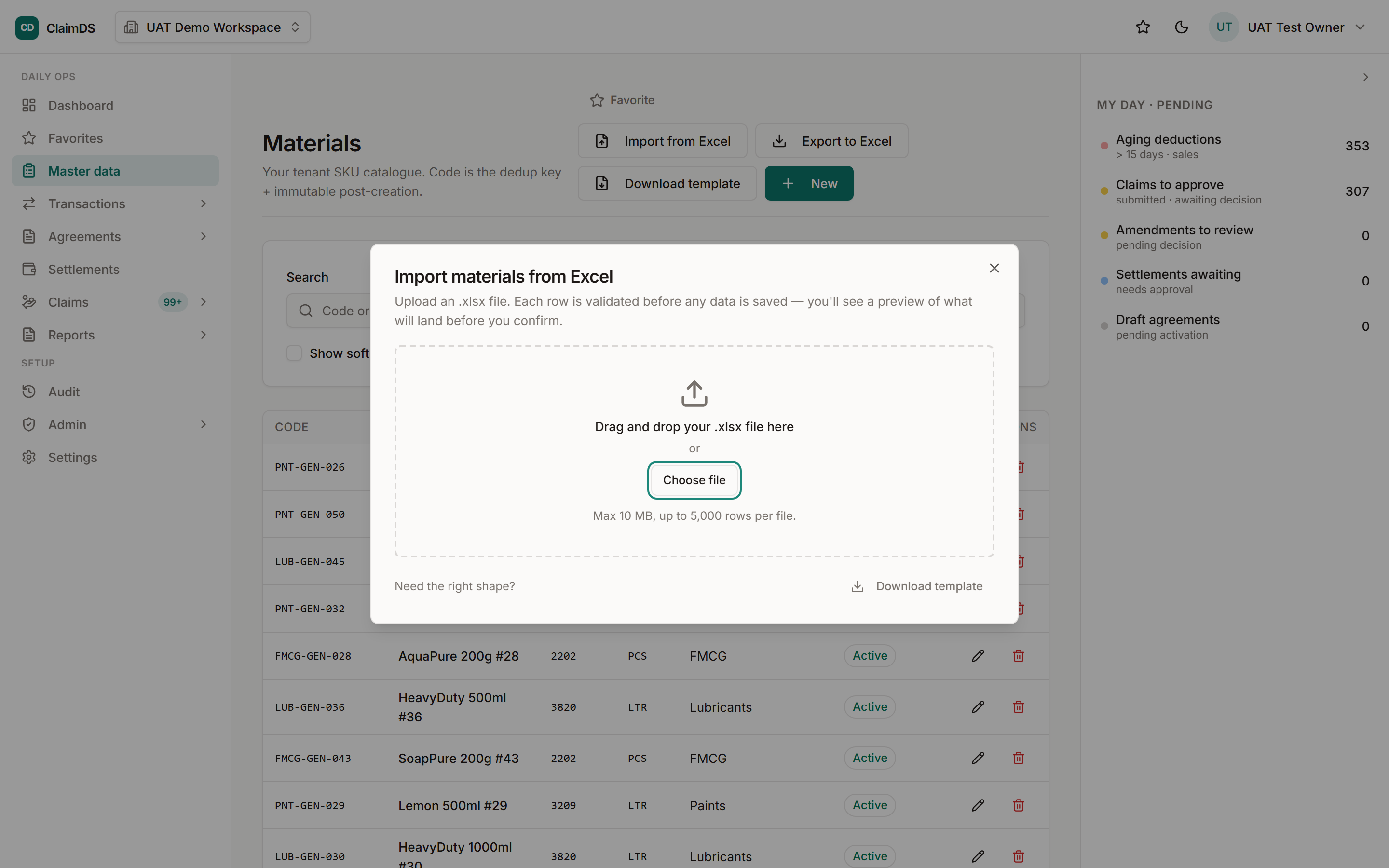
ClaimDS accepts invoice data as Excel or CSV, validates it on arrival against the rebate agreement's terms and the invoice-level base data, flags duplicates and exception lines for review, and keeps the loaded file linked to the claims computed from it — which is what makes a settlement reconstructable later. The mechanics of getting the file out of your system are in exporting invoices from Tally for claims, and the wider data-movement picture is in connected claims.
To check your own export against what a claims workflow needs, book a demo.
Note: General information about file structure and data conventions. Field requirements vary by scheme type and by the system receiving the file — confirm the specification with whoever will consume it before building a recurring export.
Frequently asked questions
What fields are needed to upload invoices for a claim?
At minimum: document number and date, document type, party name with GSTIN, item or SKU code, quantity with its unit of measure, rate, taxable value, tax rate and amount, and the period the file covers. Batch details matter where expiry or breakage claims are involved. Exactly which fields are mandatory depends on the scheme type being claimed.
Should invoice files be CSV or Excel?
Either works — the file type is rarely the problem. What matters is the structure: one header row, one invoice line per row, no merged cells, no subtotal or total rows inside the data, and the same column order every period. CSV avoids some Excel formatting surprises, such as long numbers being reformatted, but a cleanly built Excel file uploads equally well.
Why do invoice uploads fail?
Usually because this month's file differs from last month's — columns added, renamed or reordered, dates written in a different format, party names typed slightly differently, or item descriptions used where codes are expected. Genuine format errors are the minority. Missing GSTIN and totals rows embedded inside the data are the other two recurring causes.
How should credit notes appear in an invoice file?
Give them their own document type rather than relying on negative values alone, and keep the reference to the original invoice they adjust. If credit notes arrive only as negative amounts in the same column, returns can be silently double-counted or missed when the claim base is computed — and the netting that should reduce achievement may not happen at all.
Does the file need GSTIN for every party?
It should. GSTIN is the only party identifier that is unique and verifiable, so it is what lets the same distributor be recognised across periods and across two systems that spell the name differently. Files relying on free-text party names are the most common reason claims cannot be matched automatically and end up reconciled by hand.
How often should invoice files be uploaded?
Match the cycle to how schemes settle — monthly suits most trade schemes, since qualifying periods and settlement runs are usually monthly or quarterly. What matters more than frequency is that the period boundary is clean: each file should cover a complete period with no gap from the last one and no overlap that double-counts invoices.
See ClaimDS on your own claims data
A 30-minute walkthrough tailored to how your channel actually settles claims.
Related posts

What Faster Claim Settlement Is Worth: Claims, Cash and Working Capital
An unsettled claim is your money sitting in someone else's system. How settlement speed affects a distributor's working capital, with worked examples in rupees.
Connected Claims: How Invoice and Sales Data Moves Between Your ERP, Your Brands and Your Claims
How invoice and secondary-sales data moves between a distributor's ERP, the brand, and the claim settlement — file upload, direct connection, and what each is good for.
Exporting Sales and Purchase Invoices from Tally for Claim Settlement
How to get invoice data out of Tally in a form a claims workflow can use — what to export, which fields matter, and how to keep the data clean enough to reconcile.