
Exporting Sales and Purchase Invoices from Tally for Claim Settlement
How to get invoice data out of Tally in a form a claims workflow can use — what to export, which fields matter, and how to keep the data clean enough to reconcile.
In short
To settle a scheme claim you need invoice-level data — invoice number and date, party, item, quantity, rate, value and tax. Most accounting systems, Tally included, can export that to Excel or CSV. The work is less about the export itself and more about exporting the right fields consistently, period after period.
To settle a scheme claim you need invoice-level data — invoice number and date, party, item, quantity, rate, value and tax. Most accounting systems, Tally included, can export that to Excel or CSV. The work is less about the export itself and more about exporting the right fields consistently, period after period.
This article is about getting invoice data out for claim settlement. For where the ledger ends and the claims workflow begins — including how settlements come back as credit notes — see managing rebates, schemes and claims when you run Tally.
| The field a claim needs | Why it matters |
|---|---|
| Invoice number and date | Identifies the transaction and places it in a scheme period |
| Party name and GSTIN | Identifies the counterparty unambiguously across months and systems |
| Item / SKU code and description | Applies the scheme's product scope reliably |
| Quantity (with unit of measure) | Drives quantity-based schemes such as QPS |
| Rate and taxable value | Drives value-based schemes and rate-difference claims |
| Tax amount and rate | Needed when settlement runs through a credit note |
| Document type — sales, purchase or credit note | Determines which side of the claim the row evidences, and whether it nets off |
What to export: sales invoices, purchase invoices, or both?
It depends on which side of the claim you sit.
A distributor claiming from a brand primarily evidences purchases from that brand — what was bought, when, at what value — because that is what most primary and QPS-style schemes reward. Where the scheme rewards sell-through, the distributor additionally needs sales data showing onward movement to retailers, since that is the evidence a brand cannot produce from its own books.
A brand validating a distributor's claim wants the distributor's sales data for secondary schemes, and matches the claimed purchases against its own outward invoices for primary ones.
The practical rule: agree which registers are in scope, for which schemes, before the first export — not when a claim is already in dispute. The sell-in versus sell-through distinction decides which side's data settles which scheme.
Getting the data out
Accounting systems, Tally among them, generally allow registers and day books to be exported to Excel or CSV. In practice the choices you make are the same in any system: the date range, the register (sales, purchase, credit notes), and the columns included.
Beyond that, this article deliberately gives no menu paths or step sequences. Exact steps, available options and column names vary by version and by how your books are configured, and instructions that are right for one setup are wrong for another. Follow your own system's export function, or ask your accountant — they know your configuration.
What is worth your attention is not which buttons to press but what the export must contain, and whether it contains the same things next month.
The fields people forget
GSTIN. The most common omission and the most damaging. Without it, party matching falls back to names, and "Sharma Traders" versus "Sharma Traders." becomes two parties. Every claim from that partner then needs manual reconciliation.
Item codes rather than descriptions. A scheme covering a product range is applied by code. Free-text descriptions vary between operators and over time, so in-scope items get missed and out-of-scope items get counted — errors that survive right through to settlement.
Document type. If credit notes arrive only as negative values with no type column, returns either fail to net off the claim base or net off twice. Both distort the achievement a slab is applied to.
The period boundary. An export that runs to "today" rather than to the period end quietly borrows invoices from the next period — and next month's file, starting where you think it should, leaves a gap. Neither error announces itself.
Keeping exports consistent month after month
This is where most of the value is, and it is unglamorous: same columns, same order, same date convention, same party naming, every period.
Inconsistency between months is the single biggest cause of failed uploads and mismatched claims. It usually creeps in innocently — a different person runs the export, a new column looks useful, someone widens the date range to be safe. Each change is individually harmless and collectively fatal to automatic matching.
Two habits prevent nearly all of it. Save the export configuration rather than rebuilding it each month, and note the row count and value total before sending so the receiving side can confirm nothing was truncated. The full field-level specification is in the invoice upload file, field by field, and the party and product foundations behind it are in master data hygiene.
From export to settled claim
The chain is short: export the register for the period, upload it to the claims workflow, match it against the scheme's terms and the party and product masters, and produce the claim with its evidence attached.
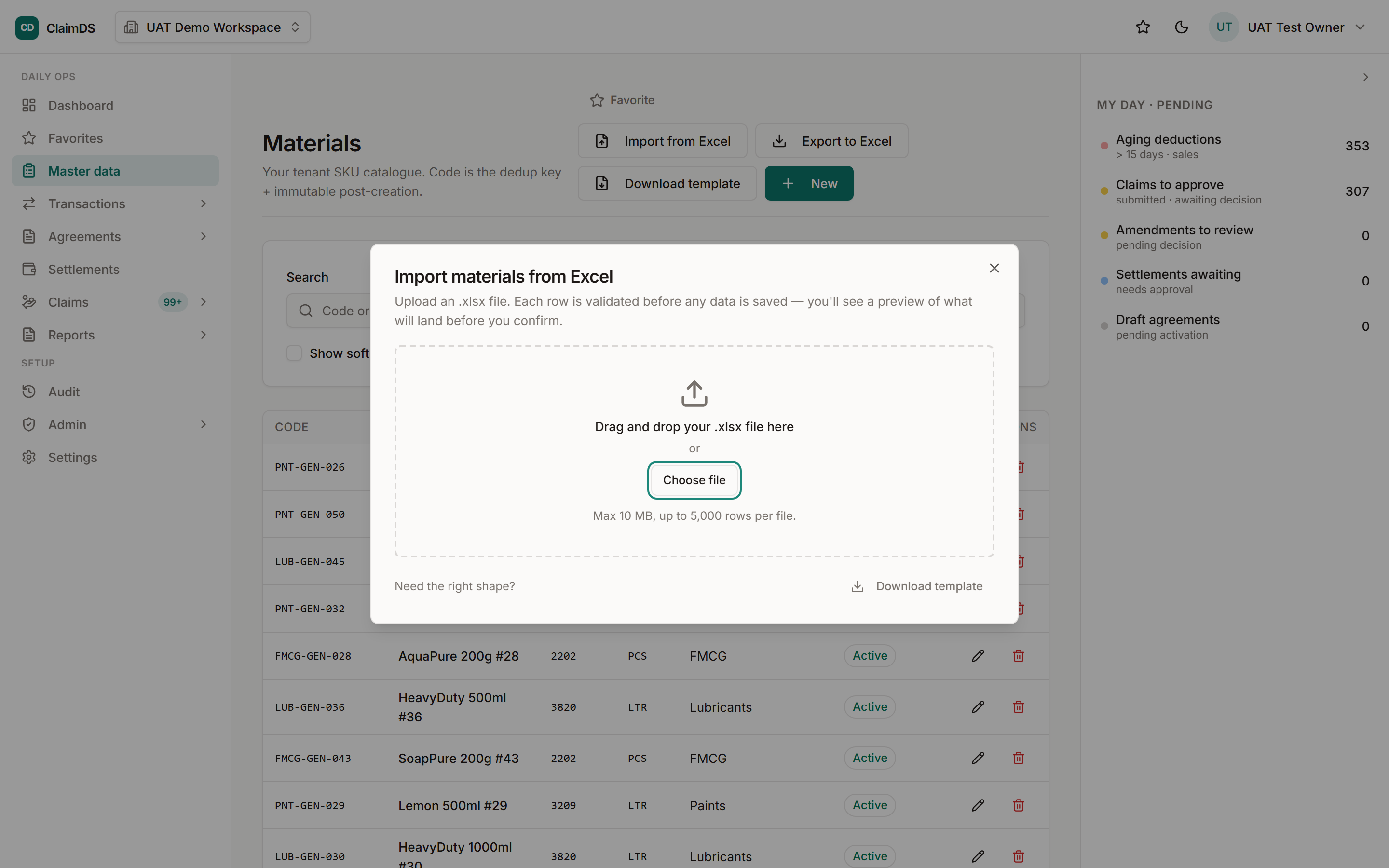
ClaimDS takes invoice data as Excel or CSV, validates it against the rebate agreement's terms and the invoice-level base data, flags duplicates and exception lines instead of failing the whole file, and keeps the loaded file linked to the claims computed from it. Settlements come back out as Excel or CSV for posting into your books — a file-based exchange, which is what makes it work alongside whatever system you already run. The wider picture of how that data moves is in connected claims.
To check your own export against what a claims workflow needs, book a demo.
Note: General information about data export for claim settlement. This article makes no claim about what any particular version of any accounting product does — steps and capabilities vary by version and configuration, so check your own system's documentation or ask your accountant.
Frequently asked questions
Can invoice data be exported from Tally to Excel?
Most versions support exporting registers and day books to Excel or CSV, which is the usual way invoice data reaches a claims workflow. The exact menus, options and available columns vary by version and how your books are configured, so follow your own system's export function or ask your accountant rather than relying on a generic set of steps.
What invoice fields are needed to settle a distributor claim?
Invoice number and date, party name with GSTIN, item or SKU code, quantity with its unit, rate, taxable value, tax rate and amount, and the document type — sales, purchase or credit note. Batch details are needed where expiry or breakage claims are involved. Together these let the claim be recomputed rather than merely accepted.
Should I export sales or purchase invoices for a claim?
It depends which side you are on. A distributor claiming a scheme from a brand evidences purchases from that brand, and for secondary schemes also sales onward to retailers. A brand validating a distributor's claim wants the distributor's sales data. Many claim types need both, so agree which registers are in scope before the first export.
How often should invoice data be exported for claims?
Monthly suits most trade schemes, because qualifying periods and settlement cycles are usually monthly or quarterly. The important discipline is not frequency but boundaries — each export should cover a complete period, starting exactly where the last one ended, so no invoice is counted twice and none falls into a gap between files.
Why do claim uploads fail?
Most often because the file changed shape: columns added, renamed or reordered between months, dates in a different format, party names typed slightly differently, or item descriptions where codes are expected. Missing GSTIN and totals rows sitting inside the data are the other frequent causes. Genuine technical faults are the minority.
Do I need an API to send invoice data?
No. Exporting a register and uploading the file on an agreed cycle is a legitimate method that works with any system able to produce a CSV or Excel export, and it is how most Indian distributors start. An API removes manual effort at higher volumes but requires technical setup on both sides and is not a prerequisite for settling claims.
See ClaimDS on your own claims data
A 30-minute walkthrough tailored to how your channel actually settles claims.
Related posts

What Faster Claim Settlement Is Worth: Claims, Cash and Working Capital
An unsettled claim is your money sitting in someone else's system. How settlement speed affects a distributor's working capital, with worked examples in rupees.
Connected Claims: How Invoice and Sales Data Moves Between Your ERP, Your Brands and Your Claims
How invoice and secondary-sales data moves between a distributor's ERP, the brand, and the claim settlement — file upload, direct connection, and what each is good for.
File Upload, Direct Connection or API: How Claim Data Actually Moves
Three ways invoice and claim data moves between systems — plain English, no jargon, with the trade-offs of each for an Indian distributor or brand.