How to Submit a Rebate / Claim Request (Step-by-Step)
How to submit a rebate or claim request step by step — documents required, referencing invoices and schemes, the statuses it passes through, and rejection reasons.
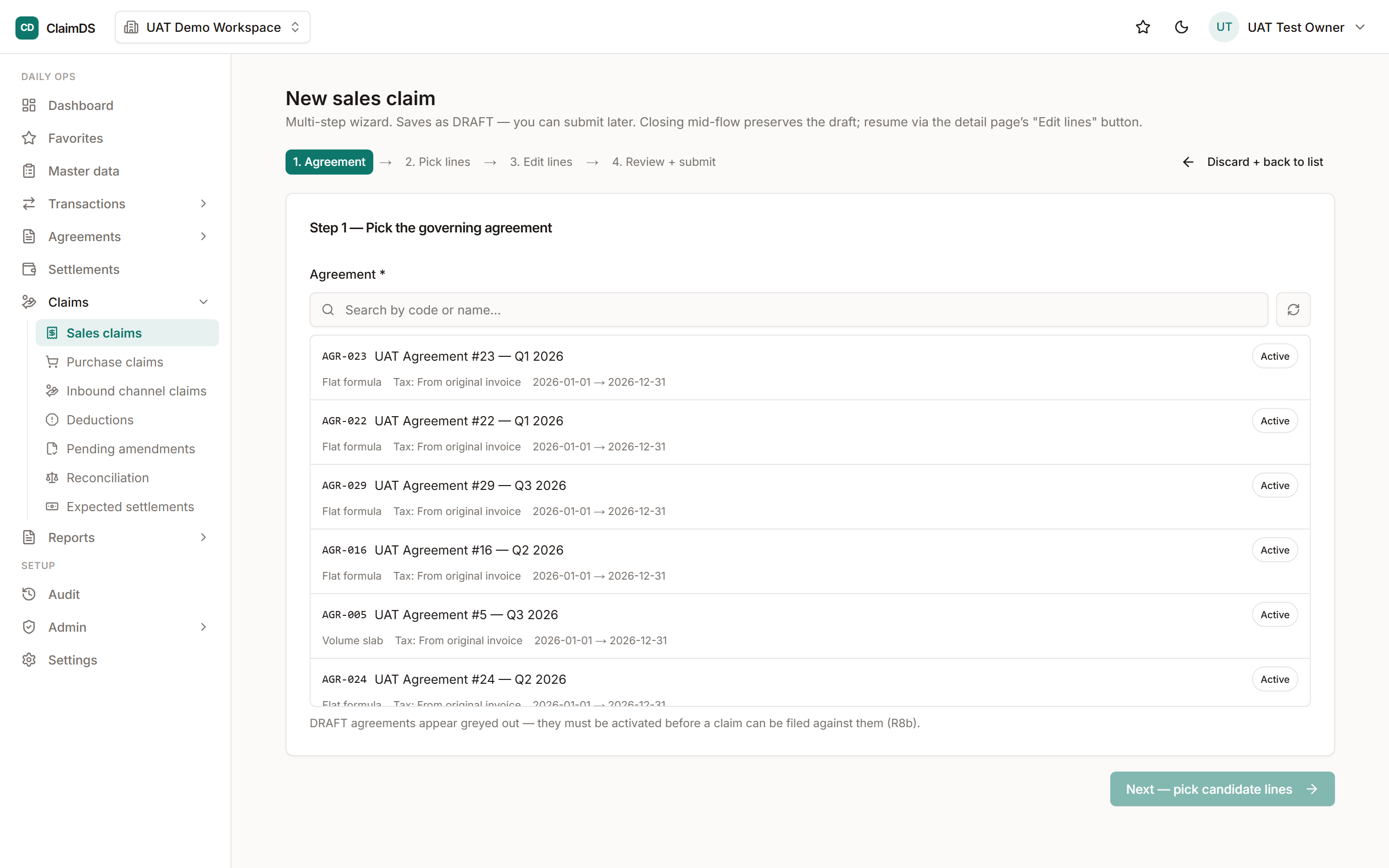
To submit a rebate or claim request: confirm the scheme covers your claim and is in-window, gather the required documents, reference the specific invoices and scheme number, submit with the correct amount and complete evidence, then track it through validation, approval and settlement. Most rejections come from missing documents or out-of-window timing — both avoidable.
The five steps
- Confirm eligibility. Check the scheme or agreement actually covers your claim and you are within the claim window.
- Gather documents. Pull the invoices, scheme reference and any stock or damage evidence before you start.
- Reference invoices and scheme. Link the claim to specific invoices and the scheme/agreement number — vague references are the top cause of delay.
- Submit. Enter the correct amount with complete documentation attached.
- Track status. Follow the claim through validation, approval and settlement, responding quickly to any query.
This is the action-level companion to the claim process explained, under the claims management hub.
Documents you need
| Document | Why |
|---|---|
| Relevant invoices | Anchor the claim to real transactions |
| Scheme / agreement reference | Proves eligibility and the rate |
| Stock / damage records | For price-protection, buyback or damage claims |
| Calculation basis | Shows how the amount was derived |
Statuses your claim passes
Submitted → validated → approved → settled. Knowing the status at any moment — and what is needed to advance it — is half the battle, which is why a system beats email threads for claim submission. See the rebate-specific context in rebate management software and volume rebates.
Common rejection reasons (and the fix)
Most rejections are self-inflicted. Missing documents, out-of-window timing, a wrong amount, or a claim the scheme never covered — all caught by an eligibility check and complete evidence at submission. The operational view of reducing rejections is in distributor claims management.
GST note: This article is general information, not tax or legal advice. Where settlement involves GST credit notes, positions — including CBIC Circular No. 251/08/2025-GST and the Finance Act 2026 amendments to Section 34 of the CGST Act, assented 30 March 2026 but not yet notified into force as of publication — must be re-verified at publish time with a qualified professional.
Frequently asked questions
How do you submit a rebate or claim request?
Confirm eligibility against the scheme, gather the required documents, reference the specific invoices and scheme number, submit with the correct amount and complete documentation, then track the claim through validation, approval and settlement.
What documents are required for a claim?
Typically the relevant invoices, the scheme or agreement reference, and supporting evidence such as stock records or damage notes. Complete documentation at submission is the single biggest factor in avoiding rejection.
Why do claims get rejected?
Common reasons are missing or mismatched documentation, out-of-window submission, incorrect amount or calculation, and claims not covered by the scheme. Most rejections are avoidable with eligibility checks and complete evidence up front.
See ClaimDS on your own claims data
A 30-minute walkthrough tailored to how your channel actually settles claims.
Related posts

What Is Claims Management Software? A Practical Guide
Claims management software, explained: what it is, the claim lifecycle, the Indian claim types it settles, GST credit notes, and how to choose one.
How to Submit Rebate Claims Fast and Accurately with ClaimDS
A step-by-step guide to submitting rebate and scheme claims fast and accurately: the documents, the 5 steps, GST credit notes, and how to cut rejections.
Distributor Claim Settlement Software: A Buyer's Guide for Indian Mid-Market
What distributor claim settlement is, why spreadsheets fail at scale, what to look for in software, and how ClaimDS helps Indian mid-market finance teams.