Agreement amendments and approvals
A live ClaimDS agreement's money terms change through an amendment — one is submitted, a manager approves or rejects it, and the next run posts the delta.
Once an agreement is live, its money terms can't be edited on a whim — a change to anything that affects what's earned goes through an amendment: one person proposes it, another approves it, and only then does it take effect. This is what keeps a live, accruing agreement trustworthy.
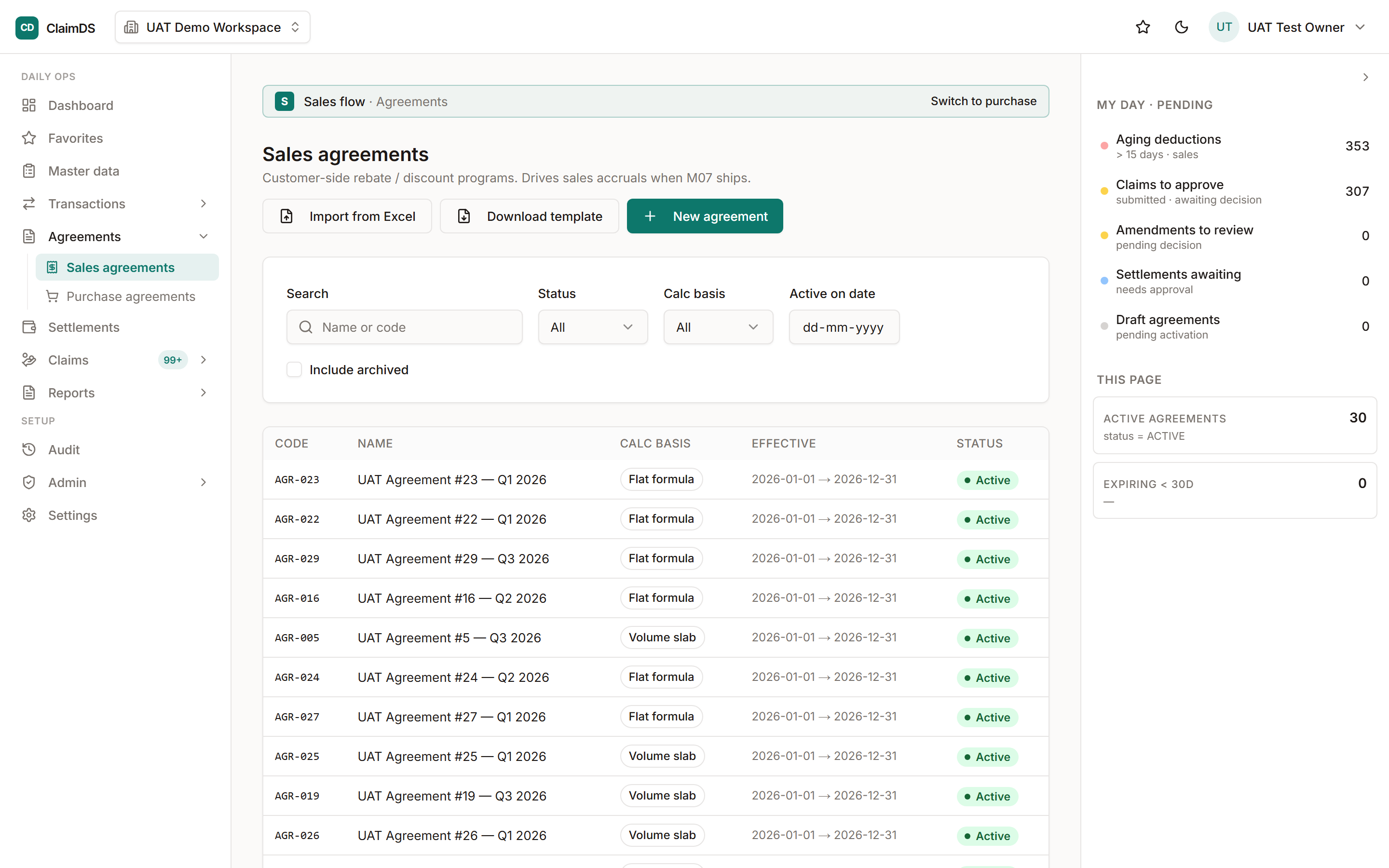
Open a live agreement to raise an amendment; it then waits for a manager's decision.
Financial vs non-financial changes
Not every edit needs approval. Non-financial details — the name, notes — edit directly. But financial terms — the calculation basis, the slabs and rates, the enrolments, the dates, the settlement terms, the caps, the tax basis — go through the amendment queue, because they change the money. Anything that feeds the calculation engine is treated as financial.
Submit, then decide
An operator submits an amendment with an optional note. A manager or admin then approves or rejects it (a rejection needs a reason). The original submitter can withdraw their own pending amendment, and an admin can force-cancel one if it's stuck. Only one amendment can be pending on an agreement at a time, so there's never ambiguity about what's under review.
A guard worth knowing
A financial amendment is blocked if a counterparty on the agreement has already been finally settled — you can't change the terms out from under money that's already been paid. That keeps settled history settled.
What happens on approval
Approving an amendment creates a new version of the agreement and records who approved it. The next calculation run then posts the difference — a delta — on the open periods, rather than rewriting what was already booked. The change applies forward, cleanly and traceably.
Related
Frequently asked
Can the same person submit and approve an amendment?
Separation comes from roles — operators submit, managers approve. The system gates submit and approve by permission, so set your roles so the person raising a change isn't the one signing it off.
Can I raise two amendments at once on one agreement?
No. There's one pending amendment per agreement at a time. The current one has to be approved, rejected or withdrawn before the next can be raised, which keeps the review unambiguous.
Does an approved amendment rewrite past accruals?
No. It creates a new version of the agreement, and the next calculation run posts the difference as a delta on open periods. History isn't silently rewritten.
Still stuck?
Book a demo and we'll walk through it on your own data — or just talk to us.