How an agreement is created and activated
A ClaimDS agreement moves from draft to active — you build everything in draft, then activate to make it live, after which the core terms lock.
An agreement has a clear life: you build it freely while it's a draft, then activate it to make it live — and once it's live and earning accruals, its core terms lock so they can't quietly change. Knowing those stages tells you when you can edit directly and when a change needs approval.
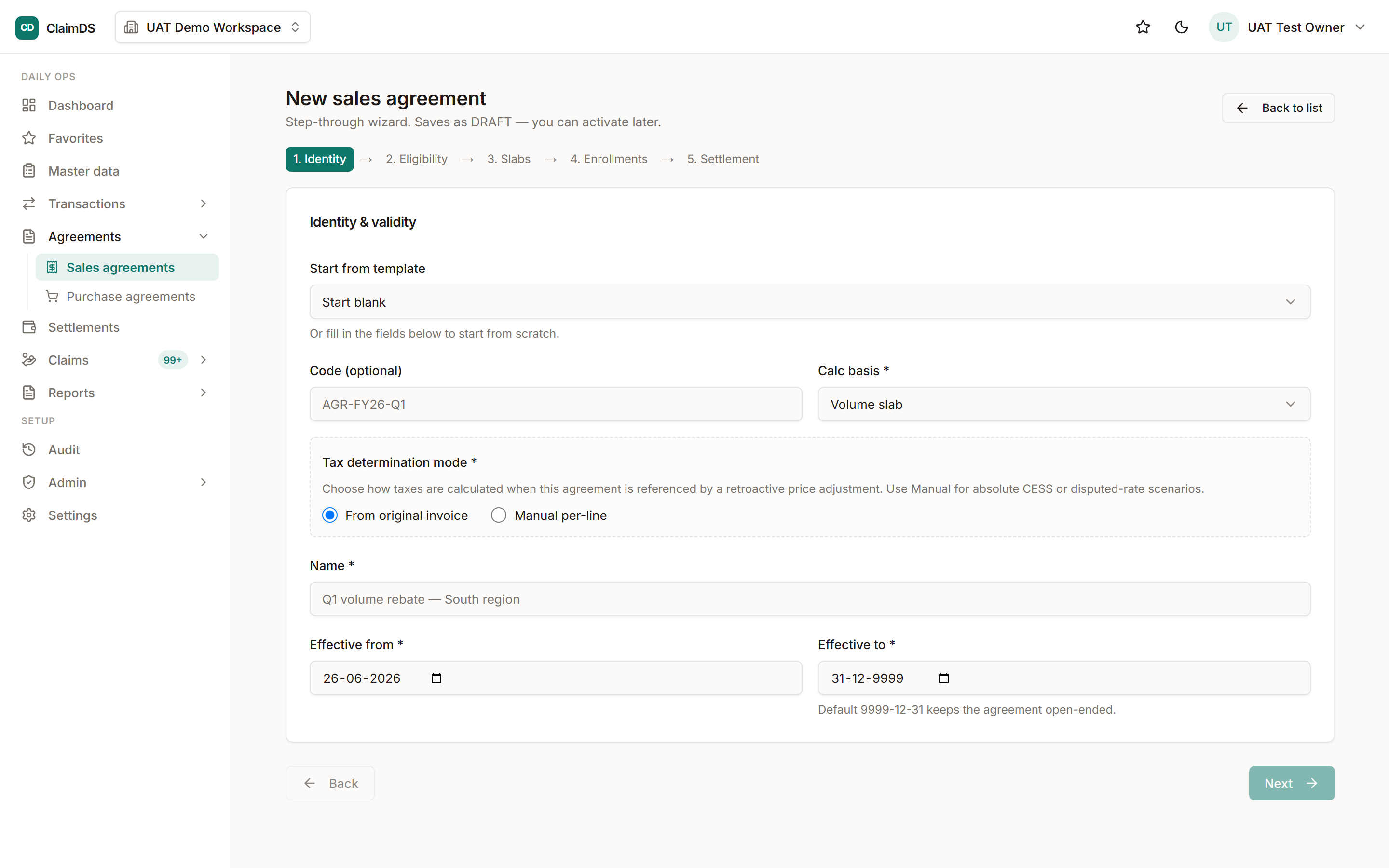
In draft you set everything — the calculation basis, the slabs, the dates; activation makes it live.
The stages
An agreement moves through four states: Draft (you're still building it), Active (live and matching business volume), Inactive (paused — it stops matching but isn't gone), and Archived (retired for good). You can deactivate and reactivate as needed; archiving is the end of the line.
Building in draft
While an agreement is a draft, you can change anything — the calculation basis, the slabs, the cohort it targets, the settlement terms, the dates. Nothing is locked yet, because nothing has been earned against it.
Activating it
Activation is the deliberate step that makes an agreement live. Someone with permission to activate turns it on, and ClaimDS records who did it and when. If the new agreement's period overlaps another on the same basis, you get a warning — but it doesn't block you, so you stay in control.
What locks after activation
Once an agreement is active, its core terms become fixed — the calculation basis, the cohort and the settlement terms can't be edited directly any more, because accruals now depend on them. From here, a financial change goes through an amendment that's reviewed and approved; only light things like the name or notes still edit directly.
Related
Still stuck?
Book a demo and we'll walk through it on your own data — or just talk to us.